
Retention model
Retention is project scoped.
Changing one project's Data tab does not change another project's history. The policy controls are separated because logs and metrics, trace spans, and closed error groups often have different review value after the first few weeks.
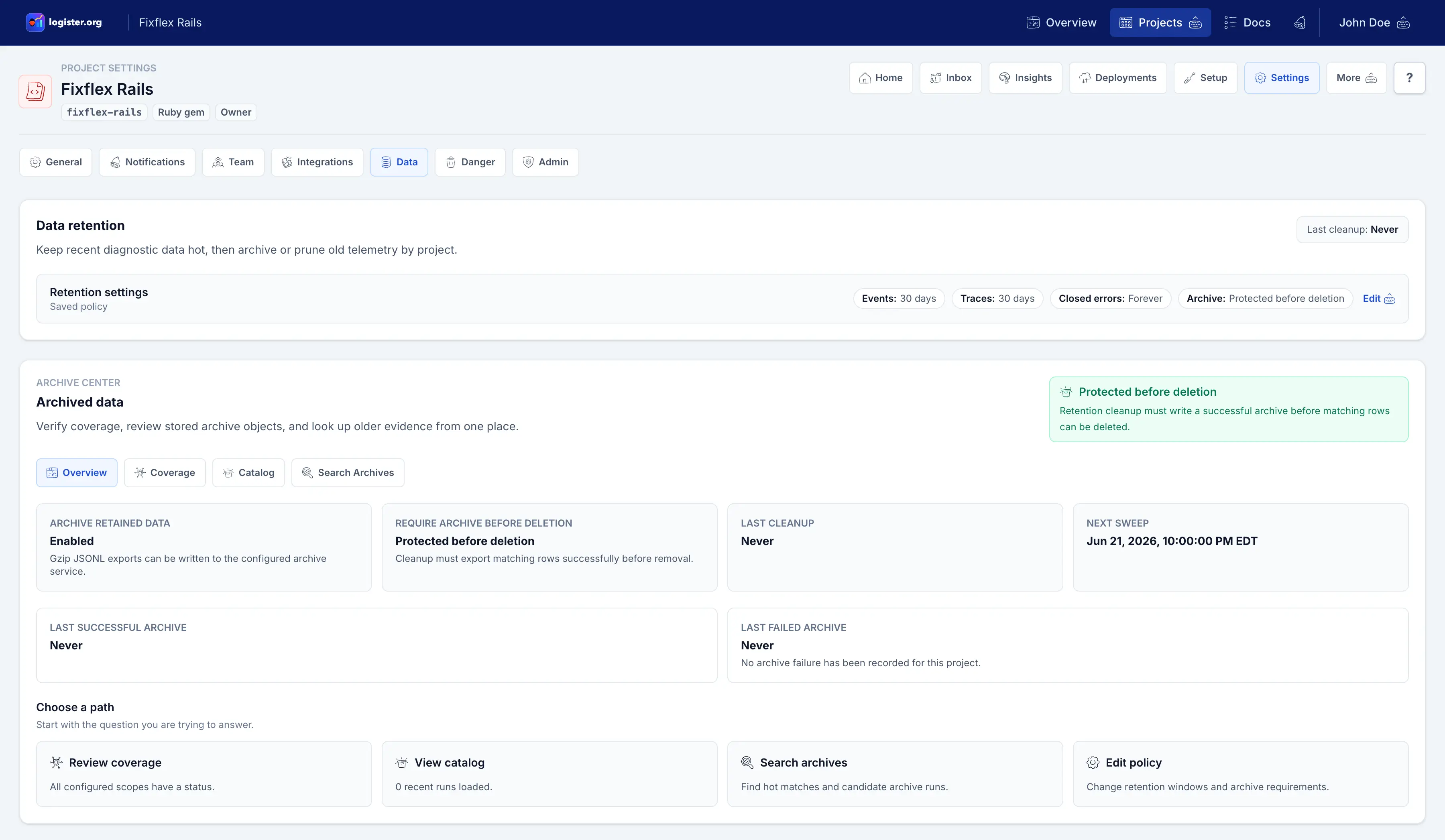
After a policy is saved, the form collapses into a summary row. Expand it when you need to change the retention windows, turn on archive writes, or require an archive before cleanup can delete matching rows.
Archives are not a full backup
Telemetry archives are for older event history. They do not preserve user accounts, project settings, API keys, memberships, or every workflow decision. Keep ordinary backups for full restore needs.
Archive Center
Use Archive Center to check whether the plan is working.
Archive Center is the operational evidence area on the Data page. It separates the question you are asking into four paths so users do not have to scan one long settings page.
| Path | Use it when you need to... |
|---|---|
| Overview | Confirm policy protection plus durable run phase, progress, heartbeat freshness, retry or stale state, retained error, and outstanding cleanup. |
| Coverage | Check each retention scope against the latest cleanup cutoff, archived-through date, candidate count, archived rows, and deleted rows. |
| Catalog | Review recent archive runs, bounded pages of v2 object keys, byte counts, row counts, status, and failure messages. |
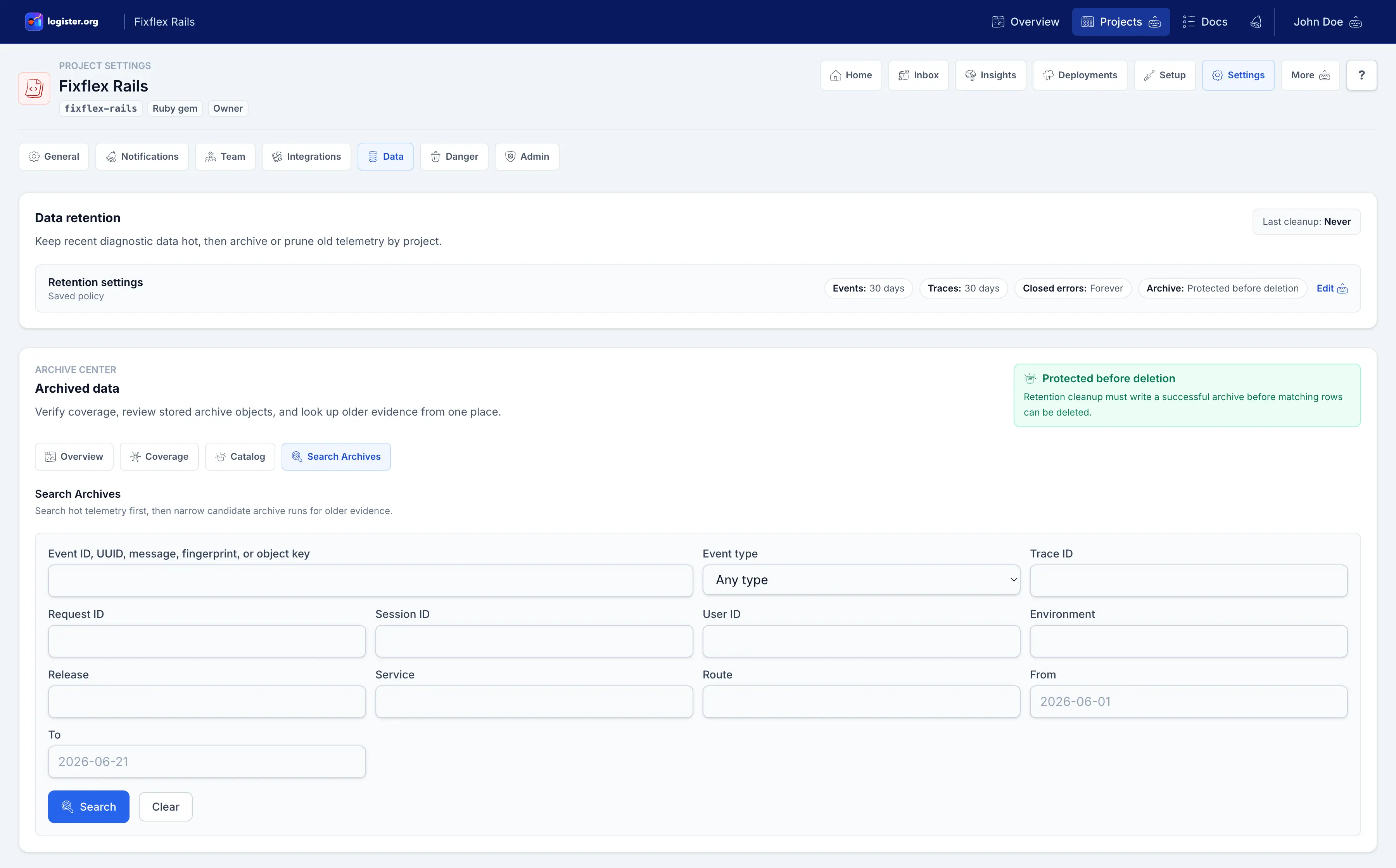
| Search Archives | Search current hot telemetry first and normalized archive object keys for older event evidence. |
Choose a page
Use the subpage that matches the work.
Policy
Choose retention windows
Understand which screens are affected by event, trace, and closed-error retention.
Storage
Prepare archives
Use this before enabling Archive retained data or Require archive before deletion on important projects.
Verification
Check archive runs and coverage
Use Archive Center to confirm cleanup work succeeded before trusting it on important projects.
Defaults
The default policy is conservative.
| Setting | Default |
|---|---|
| Hot events | 30 days |
| Trace spans | 30 days |
| Closed error groups | Keep indefinitely |
| Archive retained data | Off |
| Require archive before deletion | Off |