Signal families
6
Self-hosted error monitoring
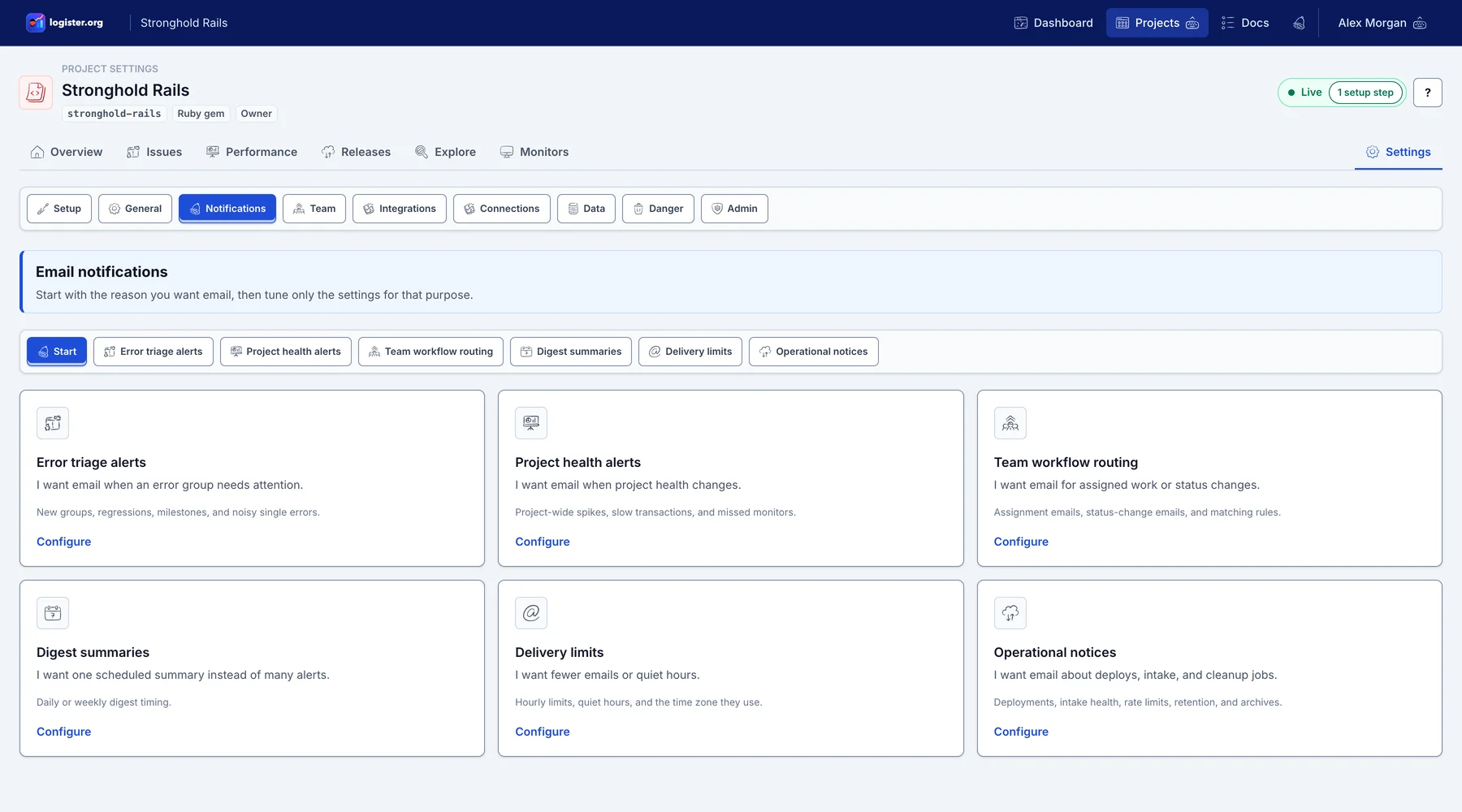
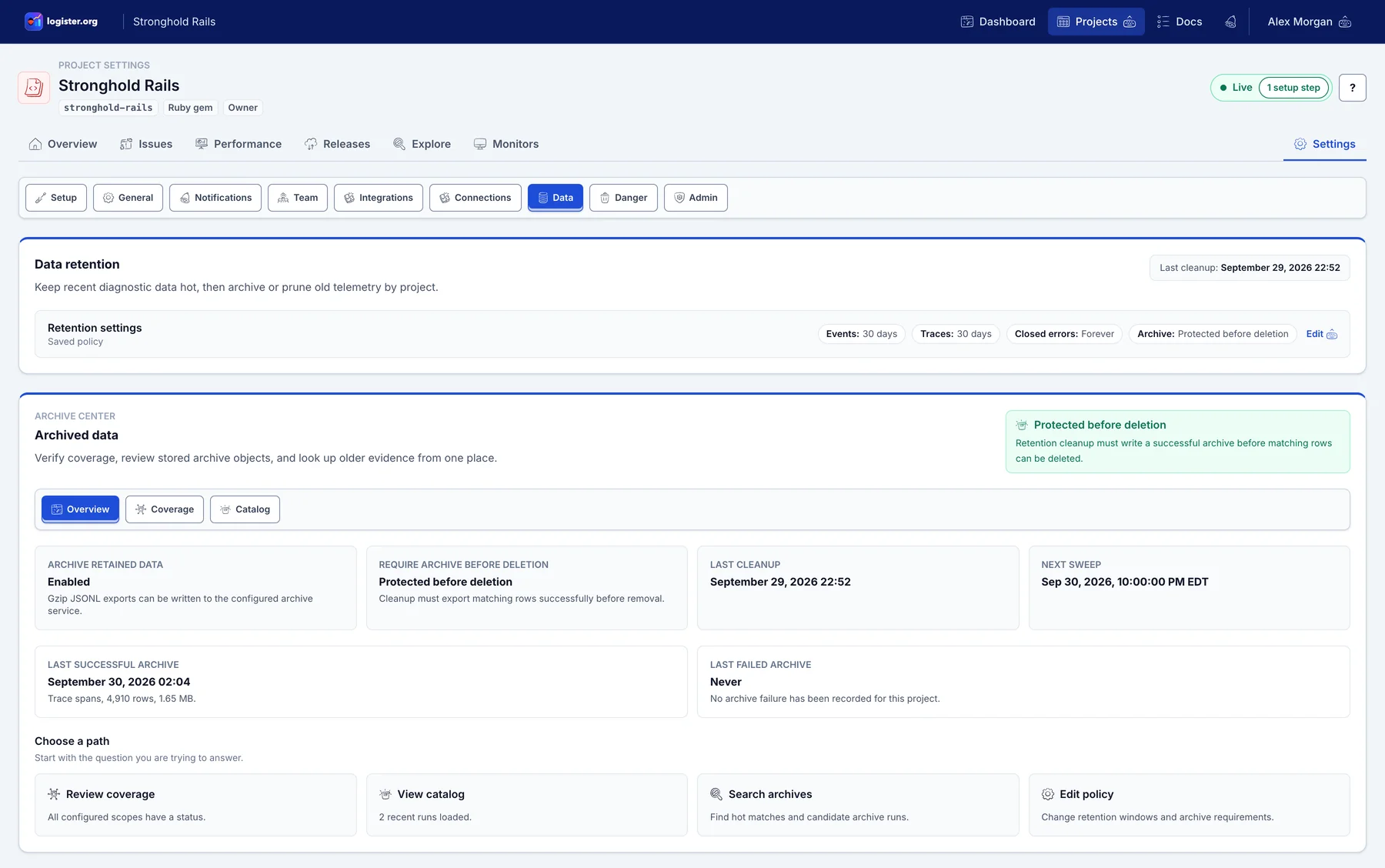
Logister gives teams a forkable Rails app for grouped production errors, ownership, and runtime telemetry. Run it with PostgreSQL, Redis, and Sidekiq, connect Ruby, .NET, Python, JavaScript, Android, iOS, CFML, Cloudflare Pages, or direct HTTP clients, then inspect what arrives from the web UI or CLI.
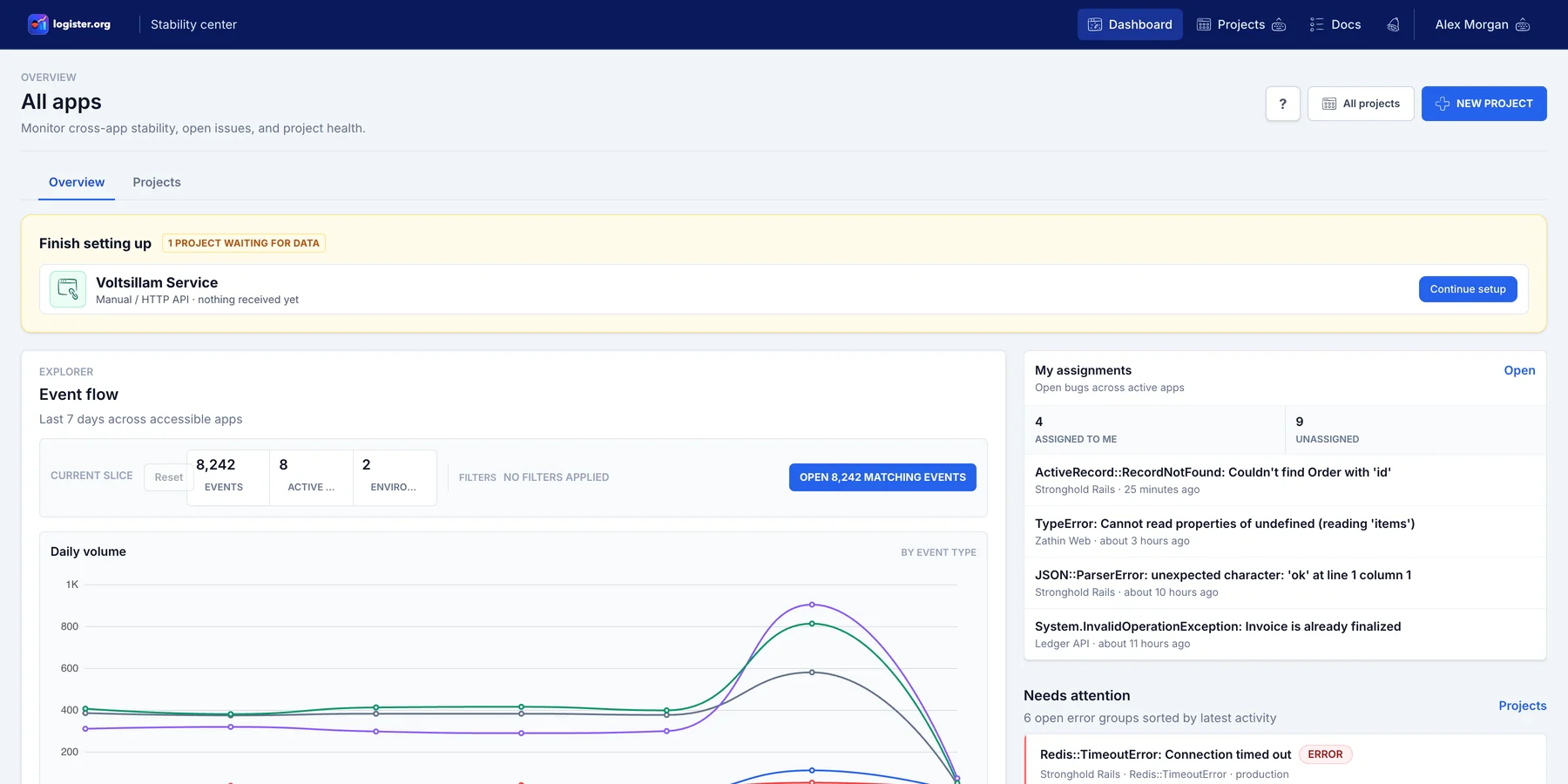
Real product screenshots
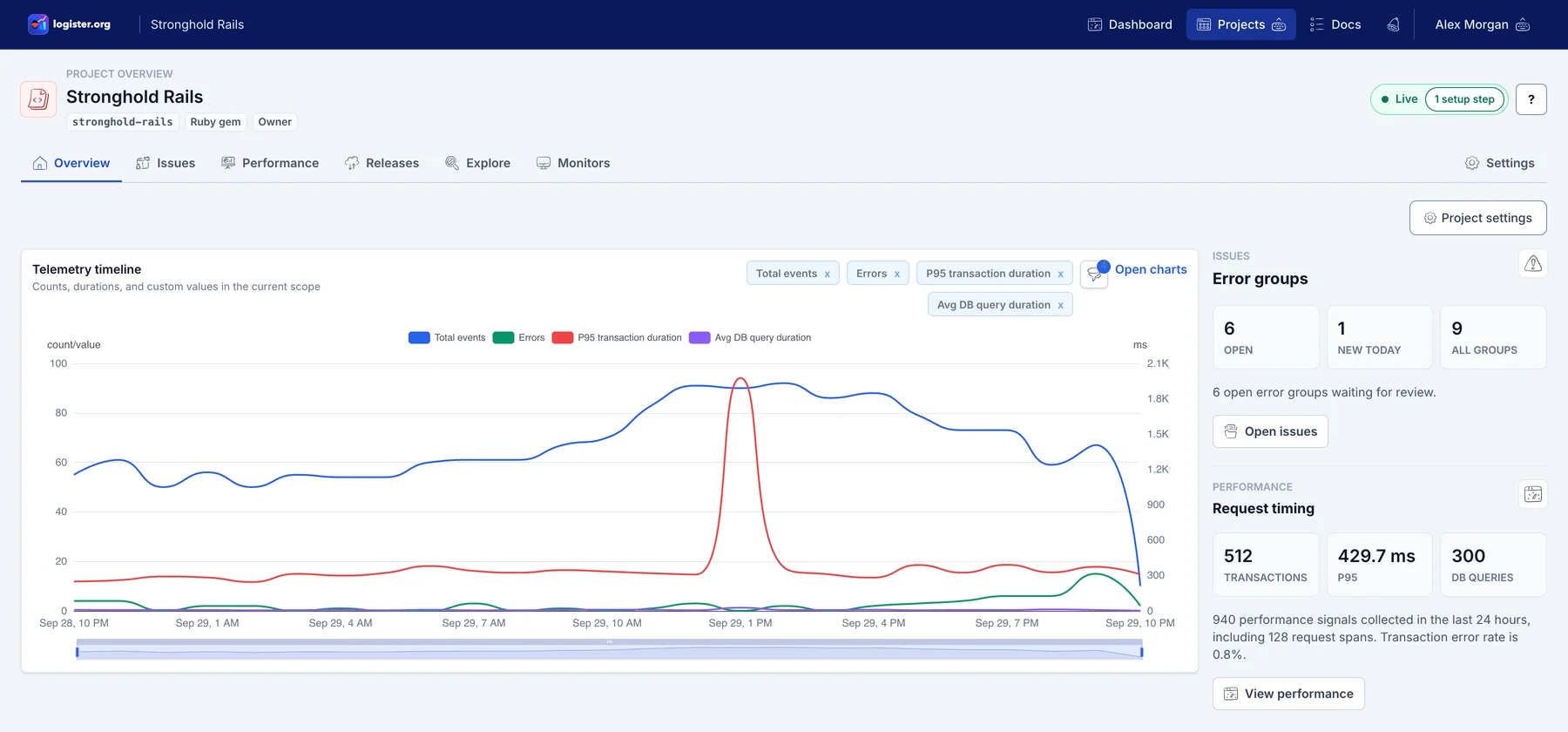
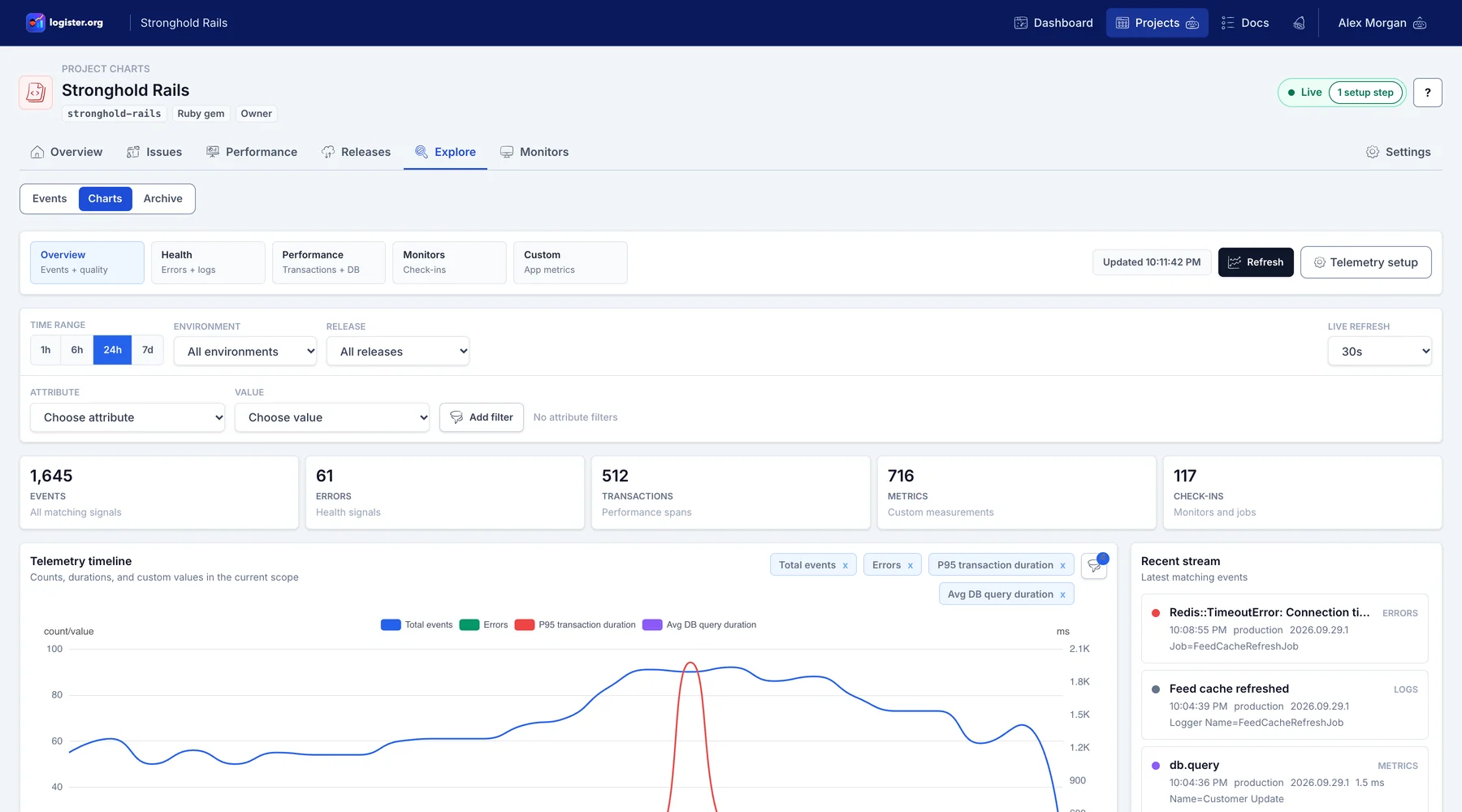
Signal families
6
Integration paths
9
Required app processes
2
Inbox
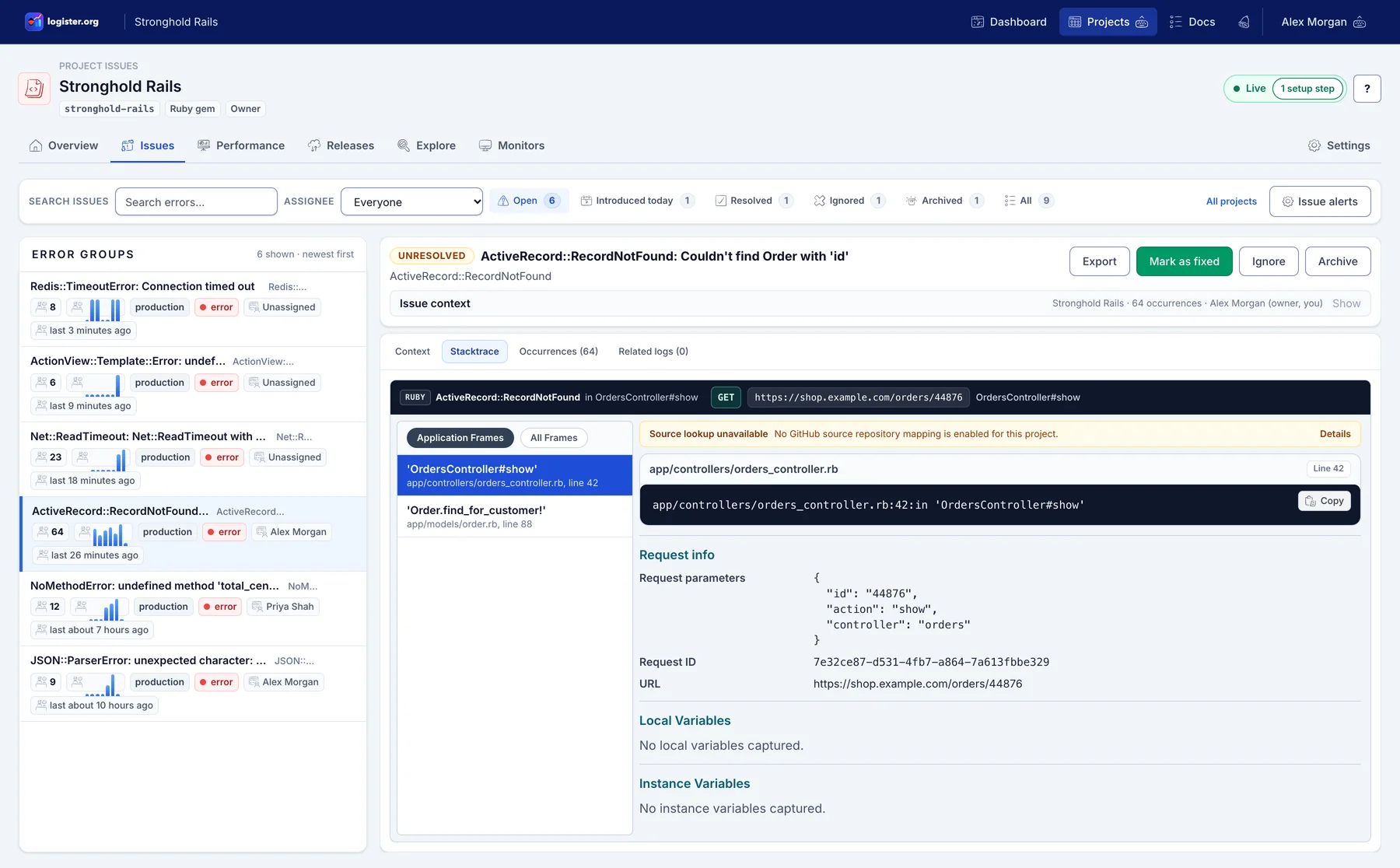
Use one inbox for unresolved, resolved, ignored, and archived issues, with owner assignment and occurrence history built around engineering triage.
Context
Pivot from an exception to nearby logs and transaction traces without switching tools or tabs.
Self-hosting
Use public docs, explicit environment references, Docker self-hosting paths, versioned GHCR and Docker Hub images, and optional Quay mirrors instead of piecing together a private deployment recipe.
Why teams choose Logister
Run the public Rails app as-is, inspect the implementation, or fork it when your team needs different operational defaults.
Self-hosters can track GitHub Releases and pull matching Docker images from GitHub Container Registry or Docker Hub.
Deployment, environment variables, SES email, Redis jobs, PostgreSQL, optional ClickHouse, SDK setup, and CLI read workflows are documented for repeatable installs.
How it works
Create a project, mint a key, and send your first event from production or staging.
Use logister-ruby, logister-dotnet, logister-python, logister-js, or direct CFML HTTP ingestion to capture errors, logs, metrics, spans, and check-ins with minimal setup.
Group duplicates, confirm regressions per release, inspect issue context from the CLI, and drive fixes from a single inbox.
Connect and inspect
bundle add logister-ruby
dotnet add package Logister.AspNetCore
pip install logister-python
npm install logister-js
LOGISTER_API_KEY=your_key_here

npm install -g logister-cli
logister auth login --host https://logister.example.com
MIT-licensed source, versioned Docker images, public SDK packages, CLI read tools, and practical self-hosting docs keep the operating model inspectable.
Proof links
FAQ
Yes. The documented baseline is a Rails web process, a Sidekiq worker, PostgreSQL, and Redis. SMTP, ClickHouse, S3-compatible archives, Turnstile, and analytics are optional.
FAQ
Logister stores application errors, logs, metrics, transactions, spans, and check-ins, then turns repeated failures into grouped issues that can be assigned and reviewed.
FAQ
No. The hosted app is optional. The primary product path is open source and self-hosted, with public source, Docker images, and deployment documentation.
Run it yourself