Focus
Error ownership + release confidence
About Logister
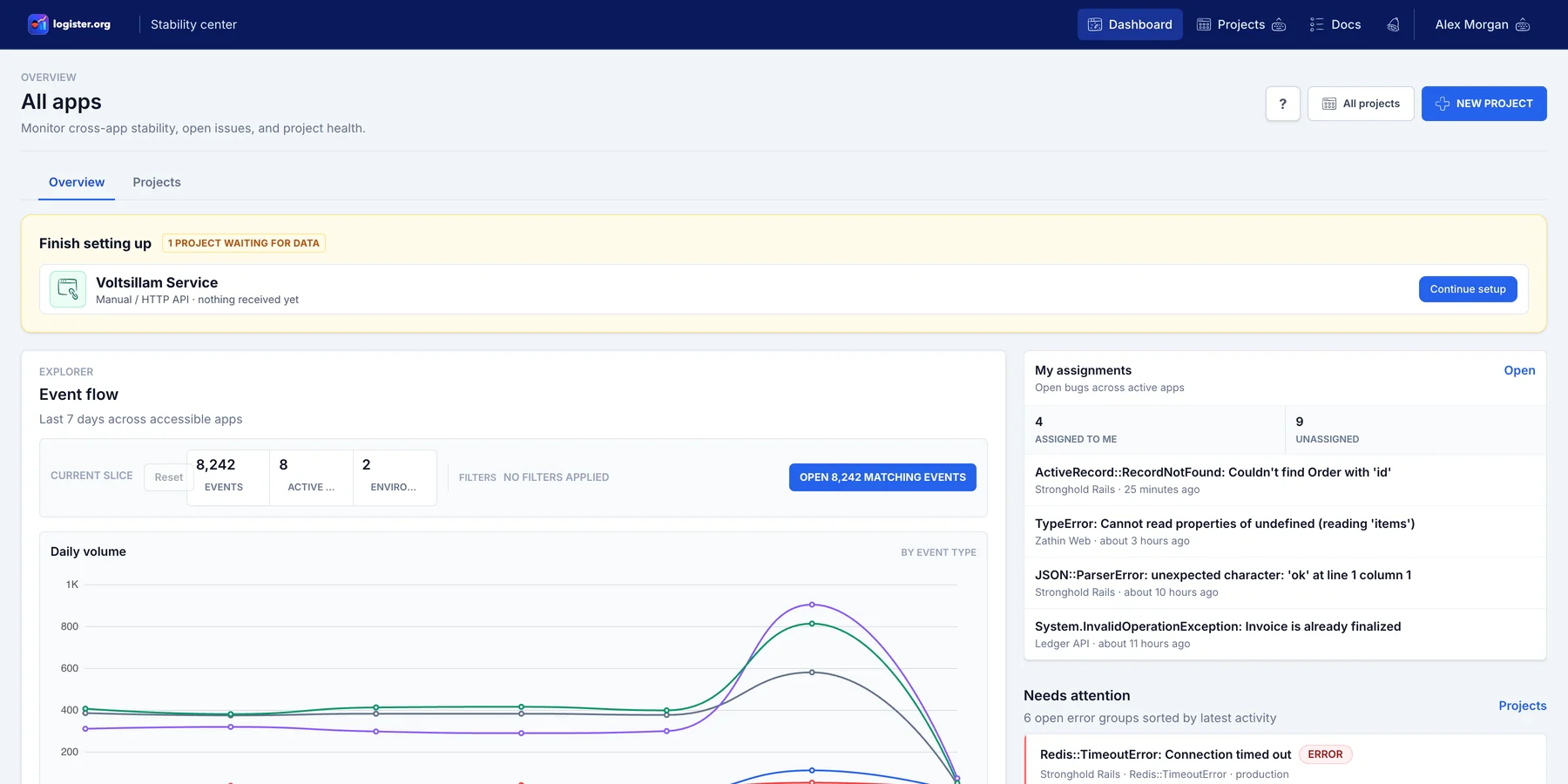
Logister is an open source, forkable error monitoring and bug triage dashboard for Ruby, .NET, Python, JavaScript/TypeScript, Android, iOS, Cloudflare Pages, ColdFusion/CFML, and HTTP clients. The product focuses on grouped failures, preserved request context, ownership, release visibility, and the operational details needed to run the app yourself.
Focus
Error ownership + release confidence
Approach
Open source, forkable, multi-integration
Deploy
Registry releases, docs, hosted optional
Product in action
Project inbox
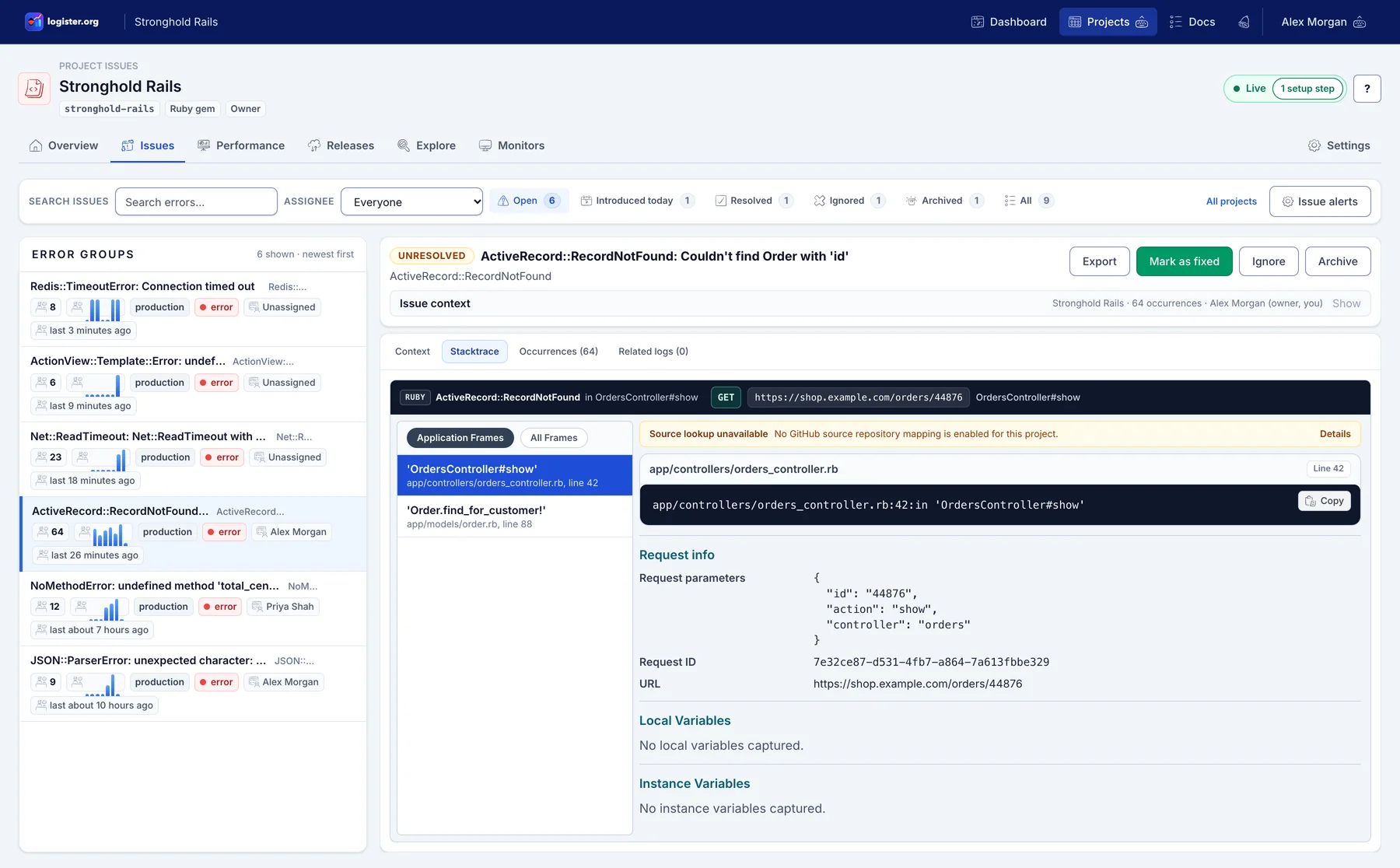
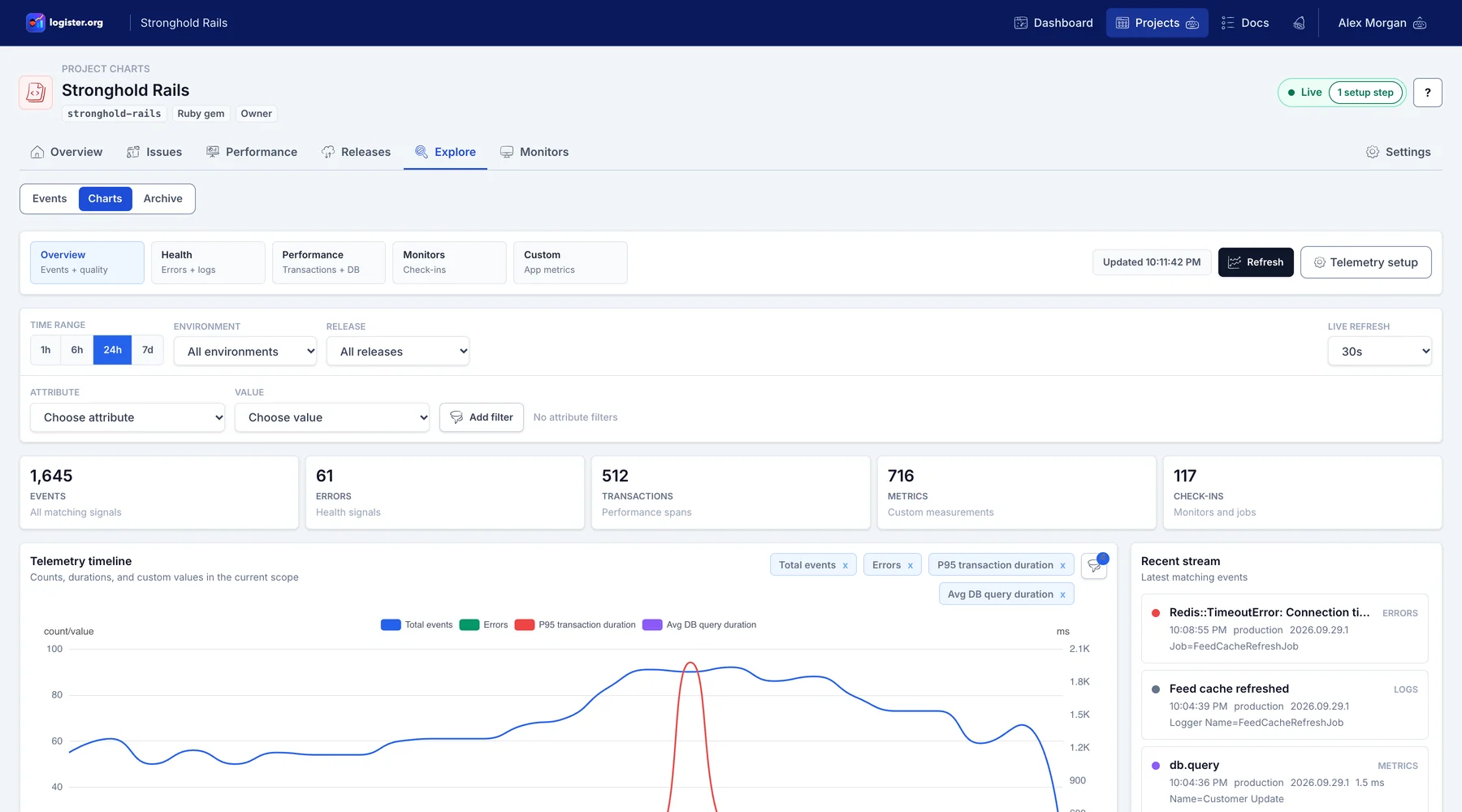
Project insights
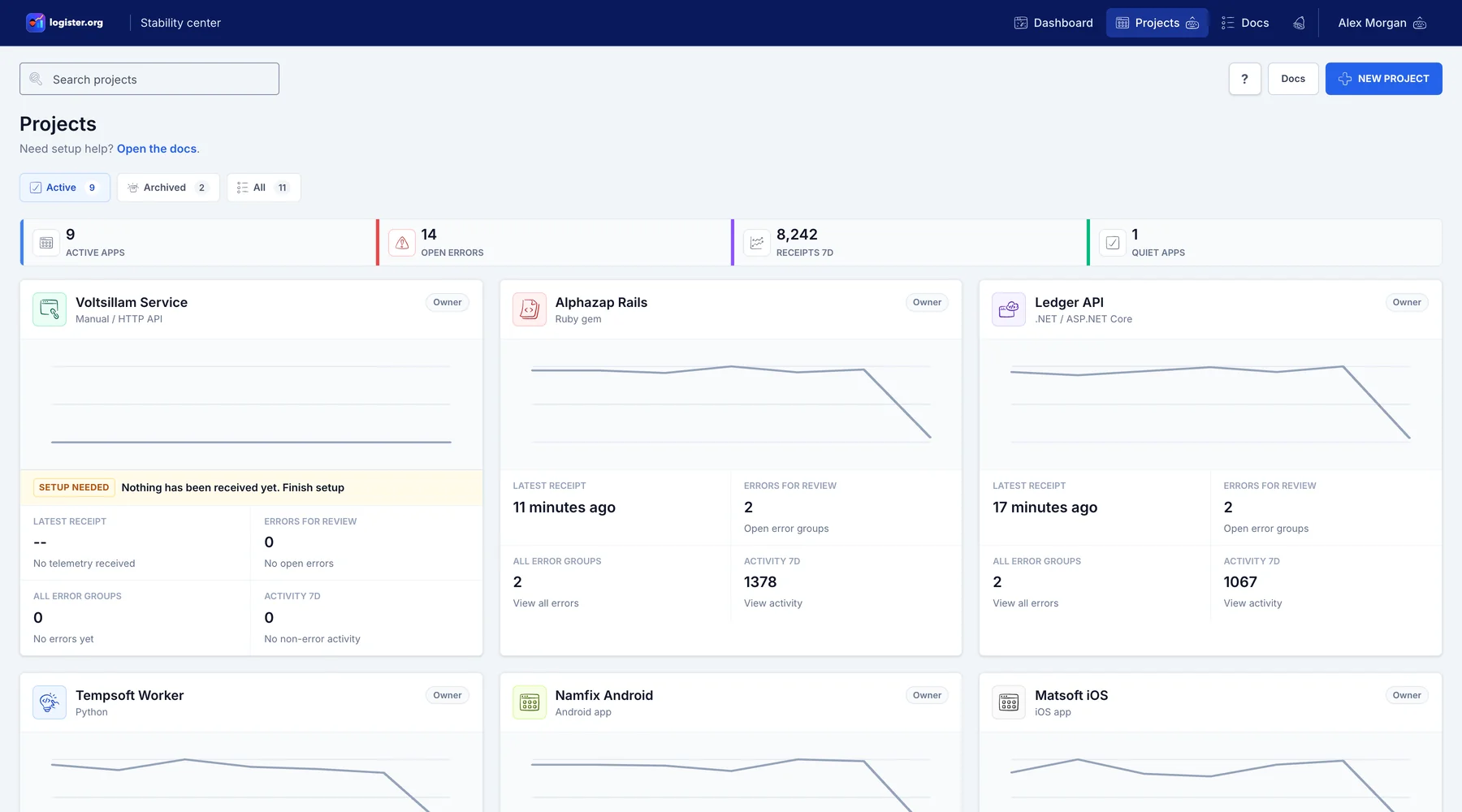
Projects dashboard
Capture
One API shape, first-party Ruby, .NET, Python, and JavaScript packages, and one place to inspect reliability signals per project and release.
Triage
Move issues through unresolved, resolved, ignored, and archived states with context preserved.
Operate
The main path is to operate Logister yourself. The hosted app exists as an optional convenience, while the public source, release versions, GHCR and Docker Hub images, optional Quay mirrors, and runtime stack docs help teams plan their own deployment.
Operator details
logister-ruby for Rails and Ruby appslogister-dotnet for ASP.NET Core and C# serviceslogister-python for FastAPI, Django, Flask, Celery, and Python serviceslogister-js for JavaScript and TypeScript apps, with optional Express middlewareRAILS_MASTER_KEYDATABASE_URLLOGISTER_SETUP_TOKEN (one time)Next step